
How To Change You Subscription
STEP 1. Please use your computer
STEP 2. Navigate to the top right, and click ‘Login’.
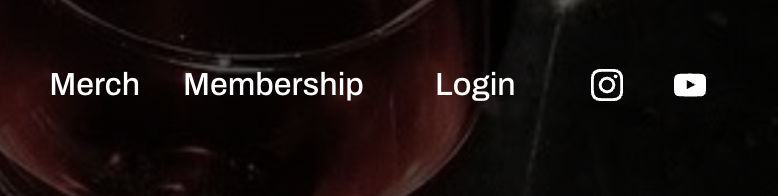
STEP 3. Login into your account with your username and password.
STEP 4. Navigate to the top right, and click ‘Account’.
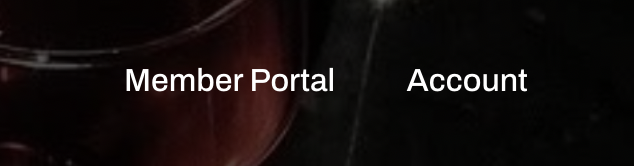
STEP 5. Click ‘Manage Subscription’
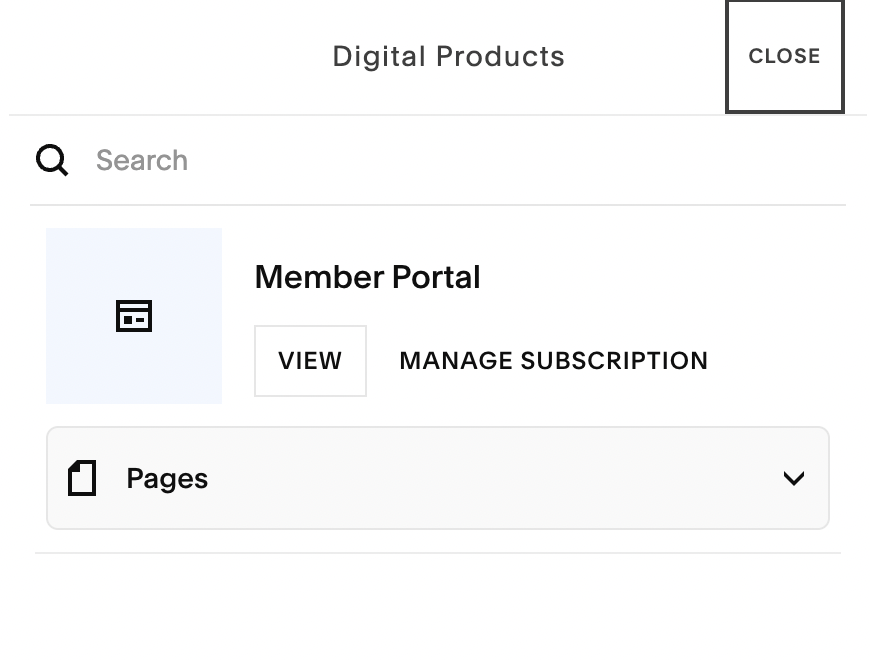
STEP 6. Click and confirm ‘Cancel Subscription’. It is highlighted in red.
STEP 7. Checkout with you new discounted membership by clicking the button below.